Short (one line)
ClipVe is a Mac and Windows app that keeps a rolling buffer of Twitch, Kick, YouTube, Rumble and TikTok LIVE streams on your computer, so you can clip a moment after it happens and have it ready to post in under 30 seconds.
PRESS KIT
Logos, app icons, screenshots, brand guidelines and the facts. Free to use when writing about ClipVe.
Last updated November 12, 2026
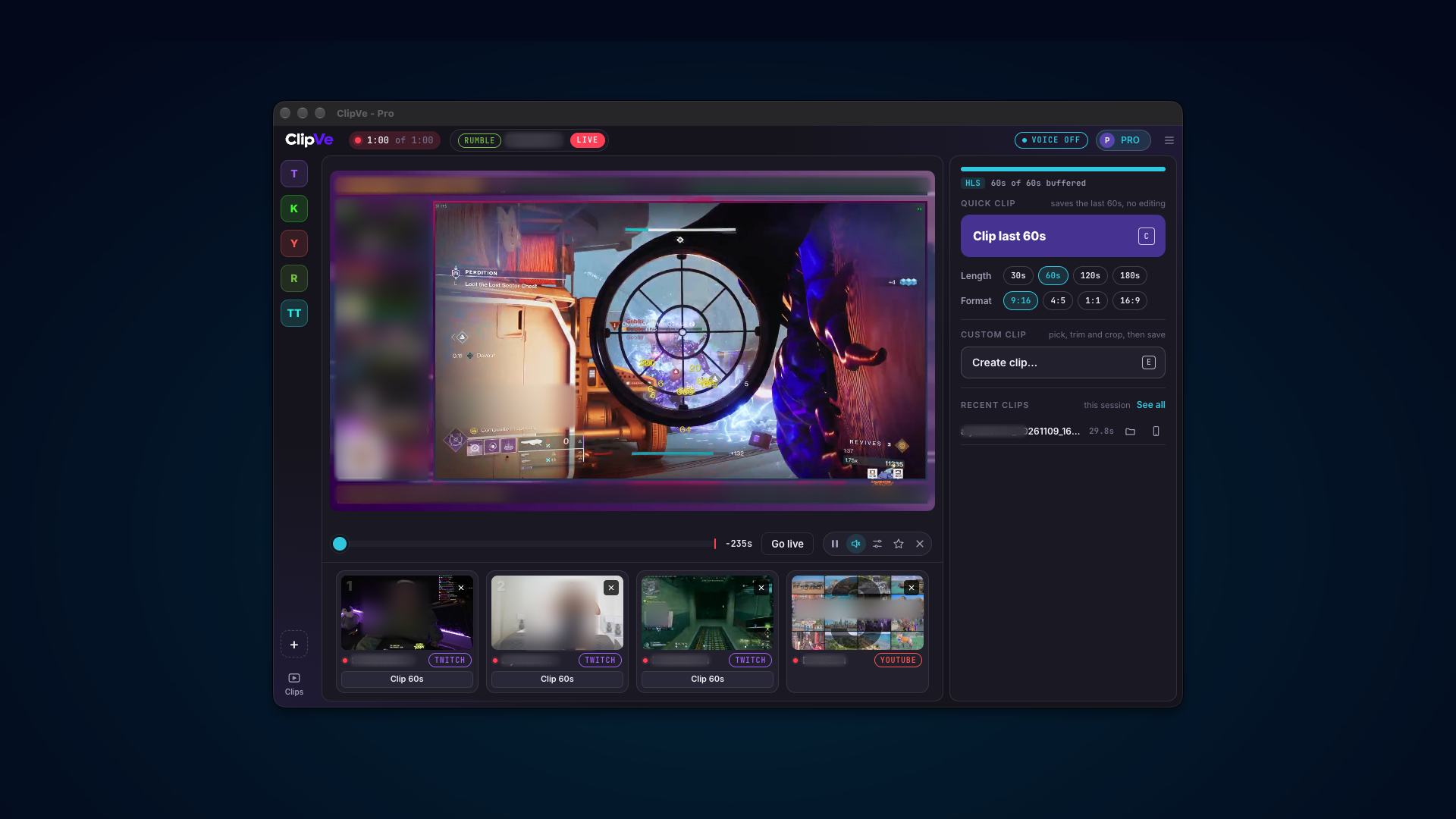
ClipVe is a Mac and Windows app that keeps a rolling buffer of Twitch, Kick, YouTube, Rumble and TikTok LIVE streams on your computer, so you can clip a moment after it happens and have it ready to post in under 30 seconds.
ClipVe is a desktop app for clipping live streams on Mac and Windows, built by Nemexis, LLC. Watch Twitch, Kick, YouTube, Rumble and TikTok LIVE side by side while ClipVe holds a rolling buffer of each stream on your computer, so when something happens you can still clip it after it's gone. Crop to 9:16, 4:5, 1:1 or 16:9, stack the face cam over gameplay, add text and save an MP4 ready for TikTok, Shorts or Reels in under 30 seconds. No OBS, no waiting on the VOD, no uploads. Video never leaves your machine. Free to start, no account needed.
Go back. Cut it. Keep it.
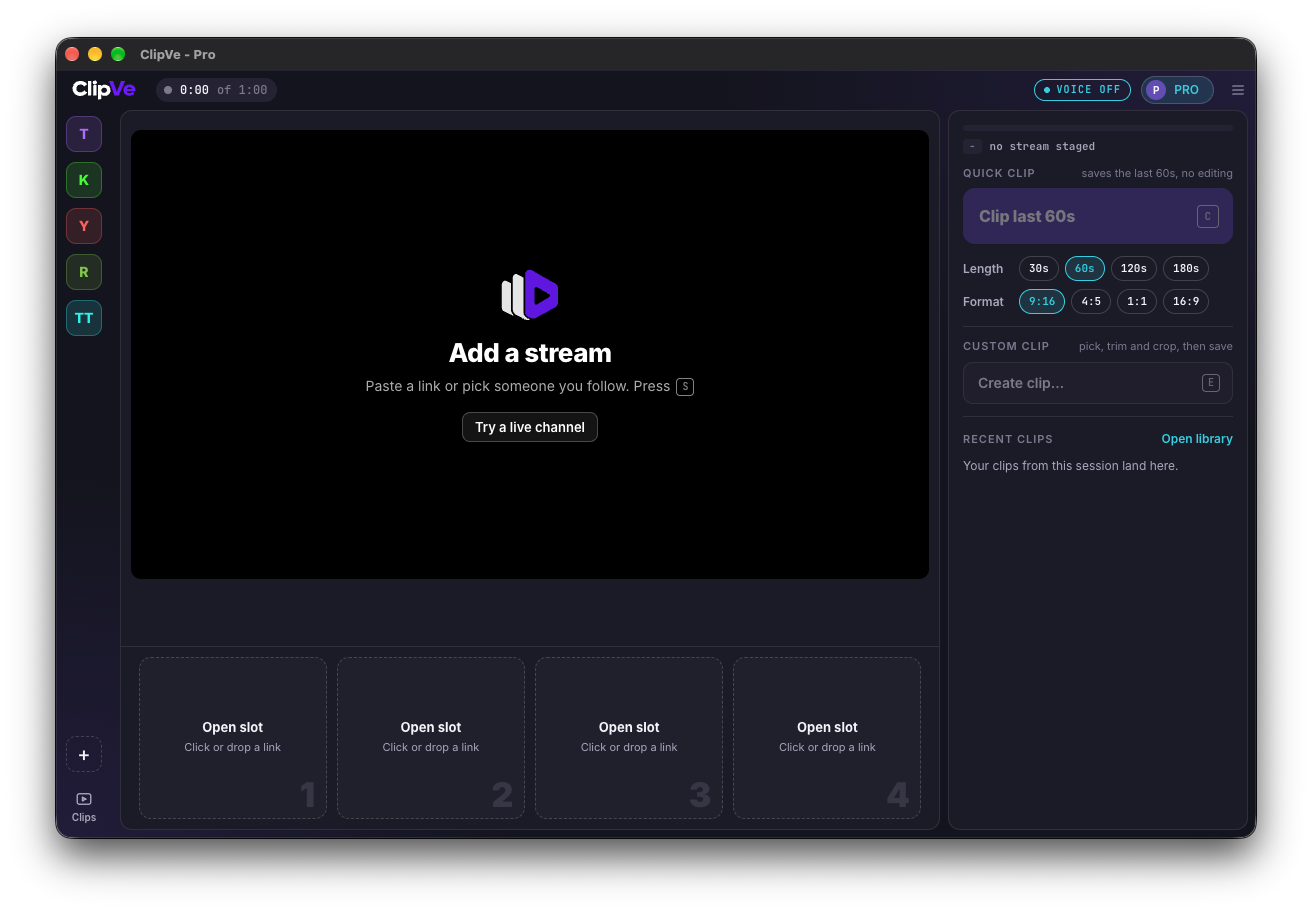
One stream on stage, four more live in the dock. Press 1 to 4 to swap.
Something pops off? Press C and it's already saved. Go back up to 10 minutes.
A global shortcut saves a clip from any app, even mid-game: Cmd+Shift+C on Mac, Alt+Shift+C on Windows.
Type a channel name, paste a link or drag one in.
Crop to 9:16 for TikTok, Shorts and Reels, or go 4:5, 1:1 or 16:9. Add a stacked face cam and styled text right on the clip.
Say "ClipVe that" and it clips hands-free. Listening happens on your computer.
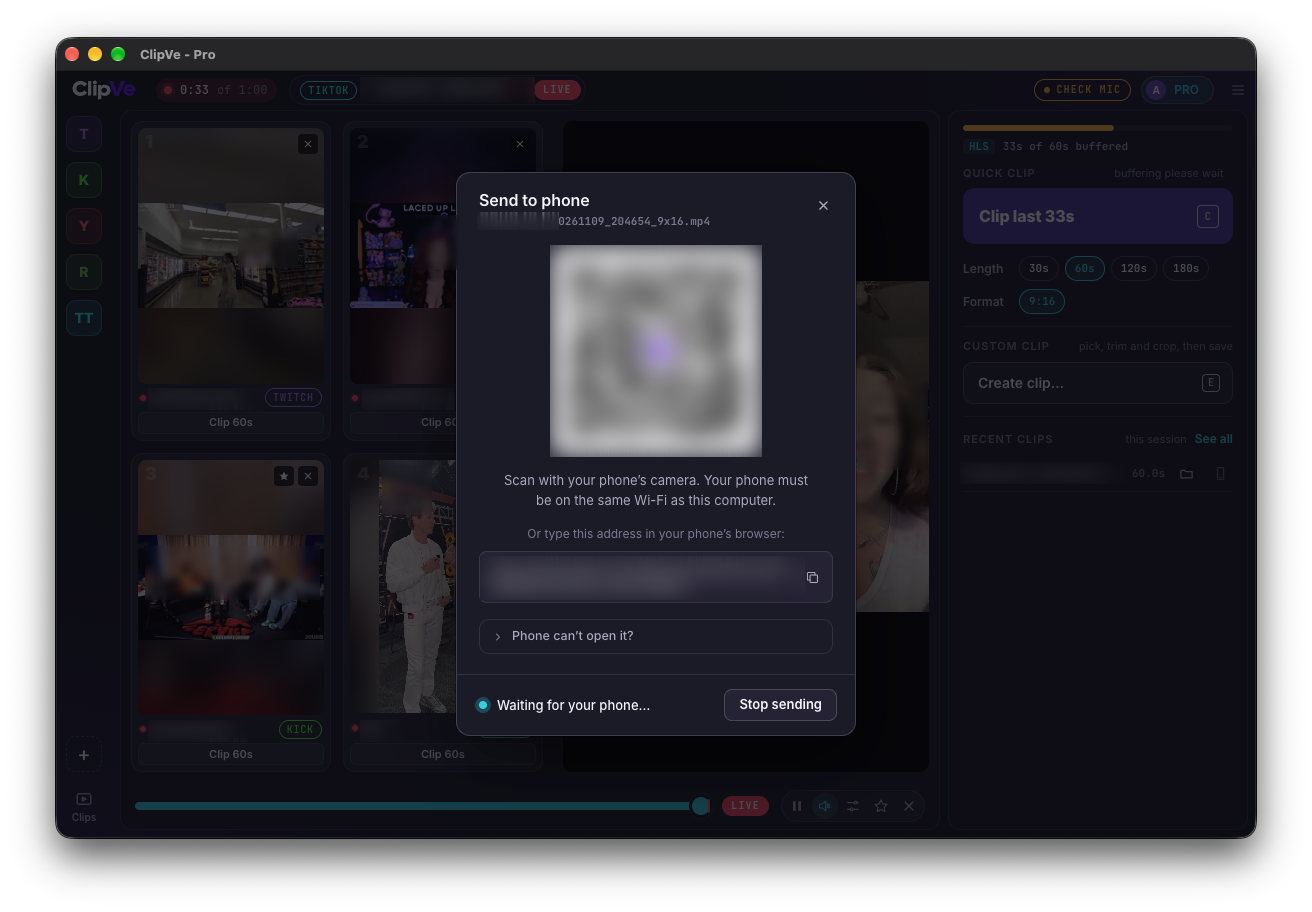
Scan a QR code and the clip lands on your phone over your own Wi-Fi.
Every clip is an MP4 in a folder you pick. Search, sort and drag clips into any app. Nothing is uploaded to the cloud.
Straight from the deck.
Real captures from the ClipVe app. Names, chat and faces are blurred. Crop if you need to, but do not stretch.
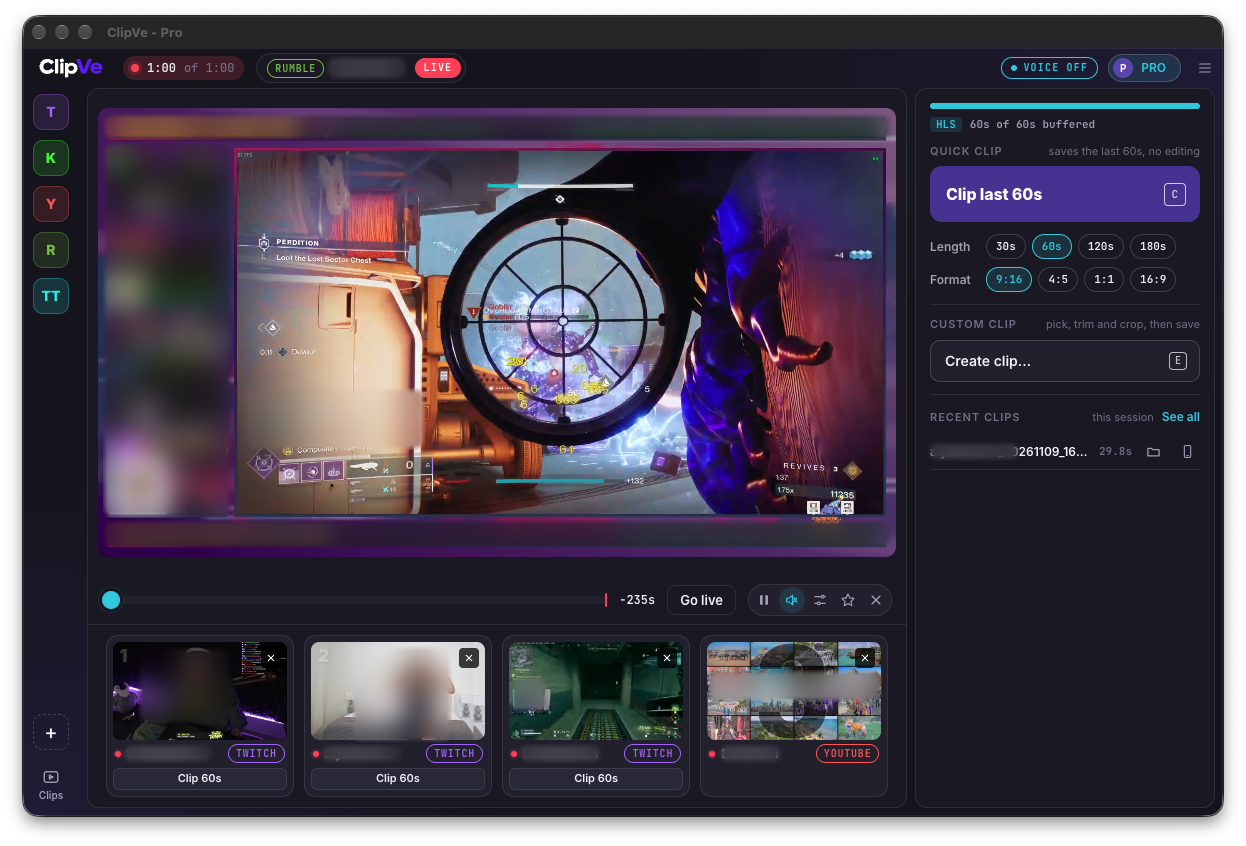
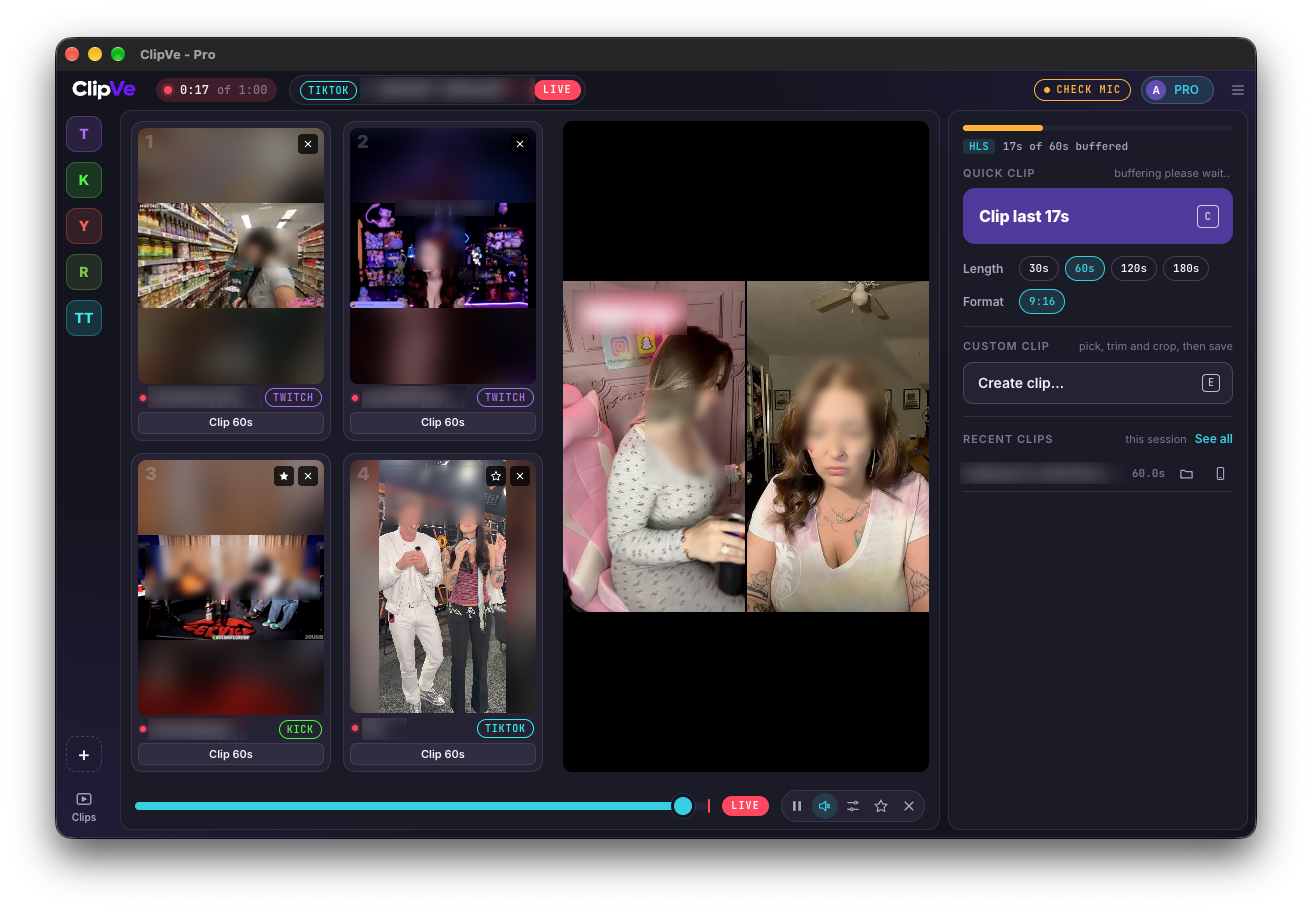
Tall streams stay tall on stage, with the dock beside them.
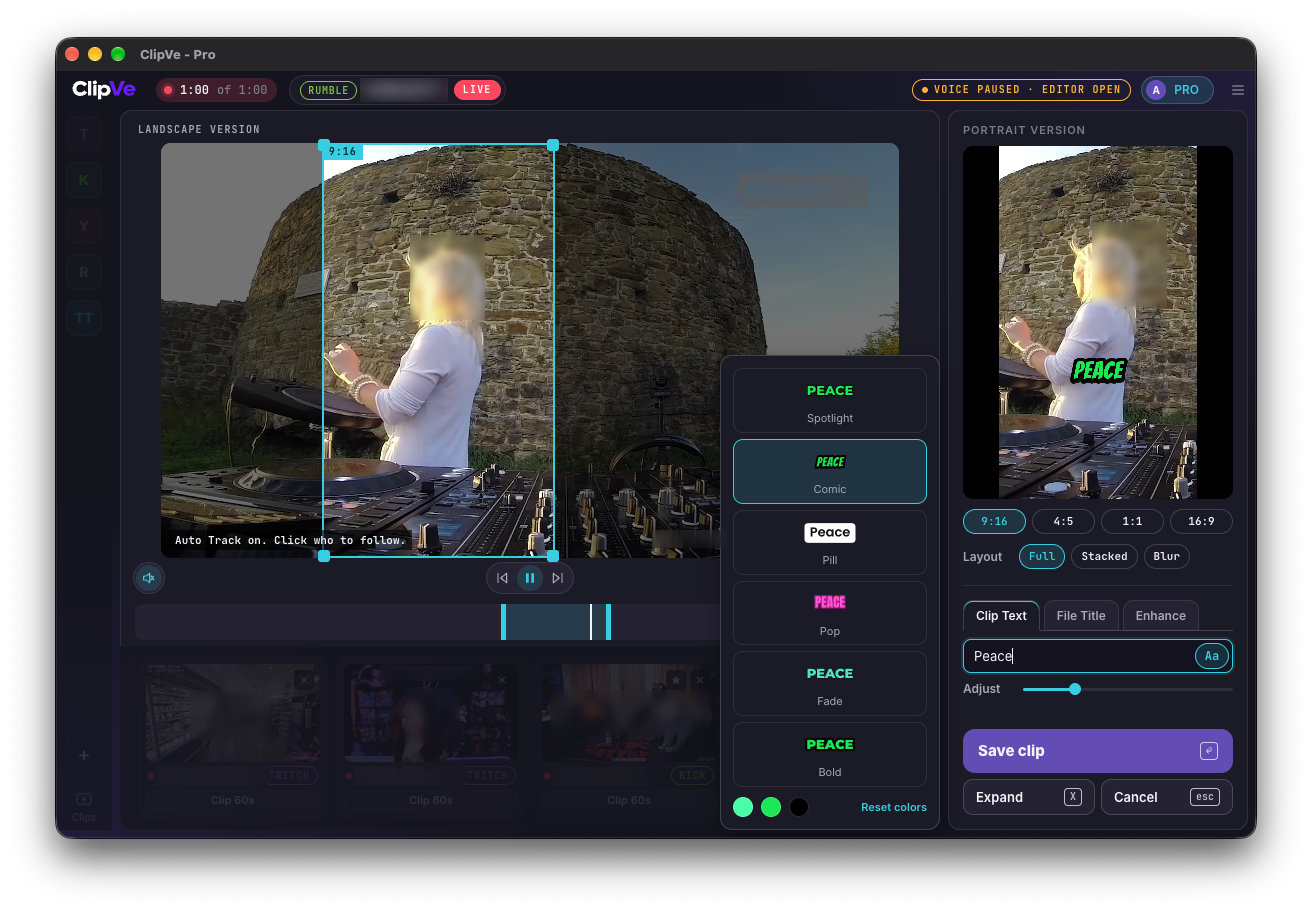
Click who to follow and the 9:16 frame stays on them. Add text in six styles.
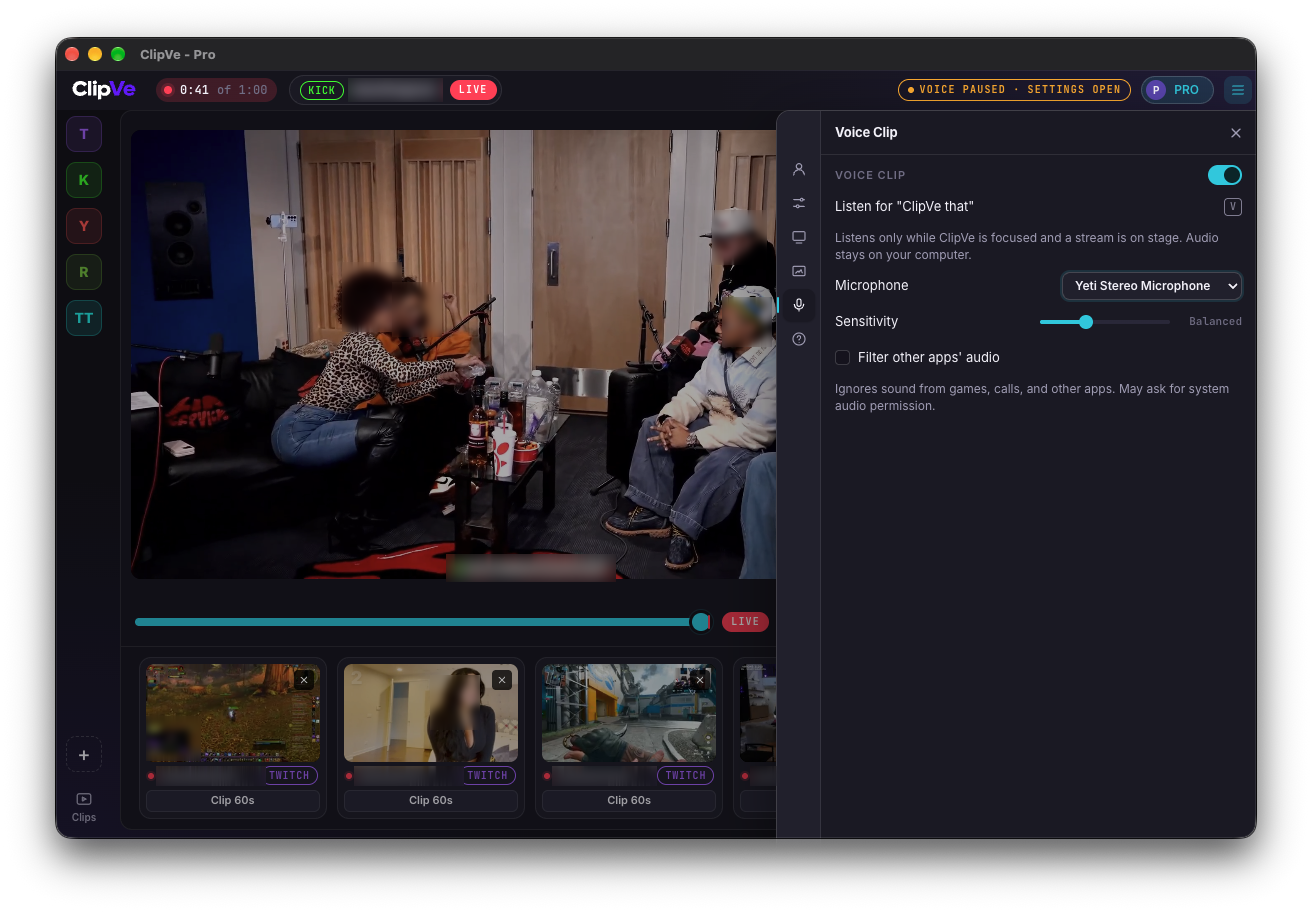
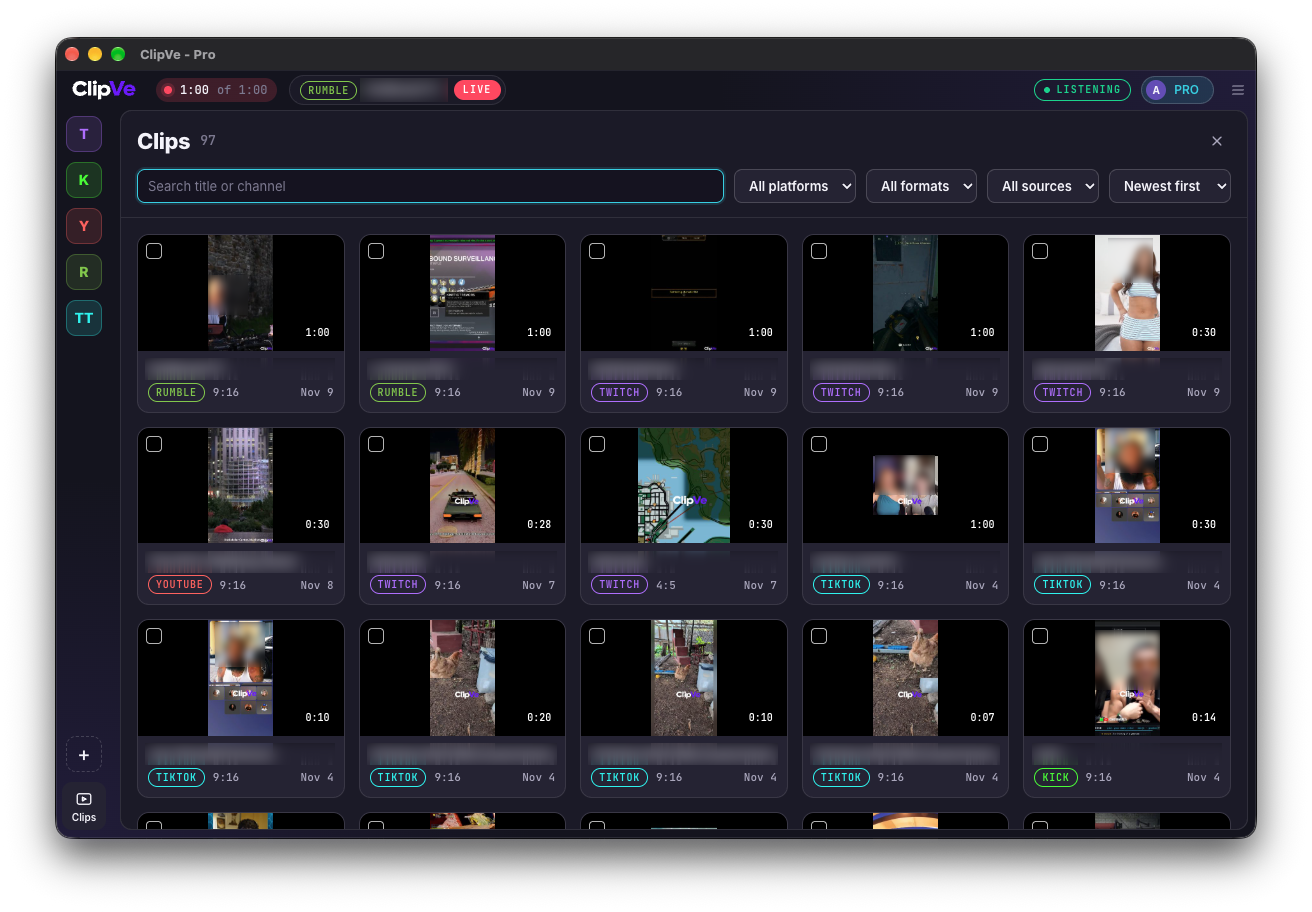
Every clip in one place. Search, or filter by platform, format and source.
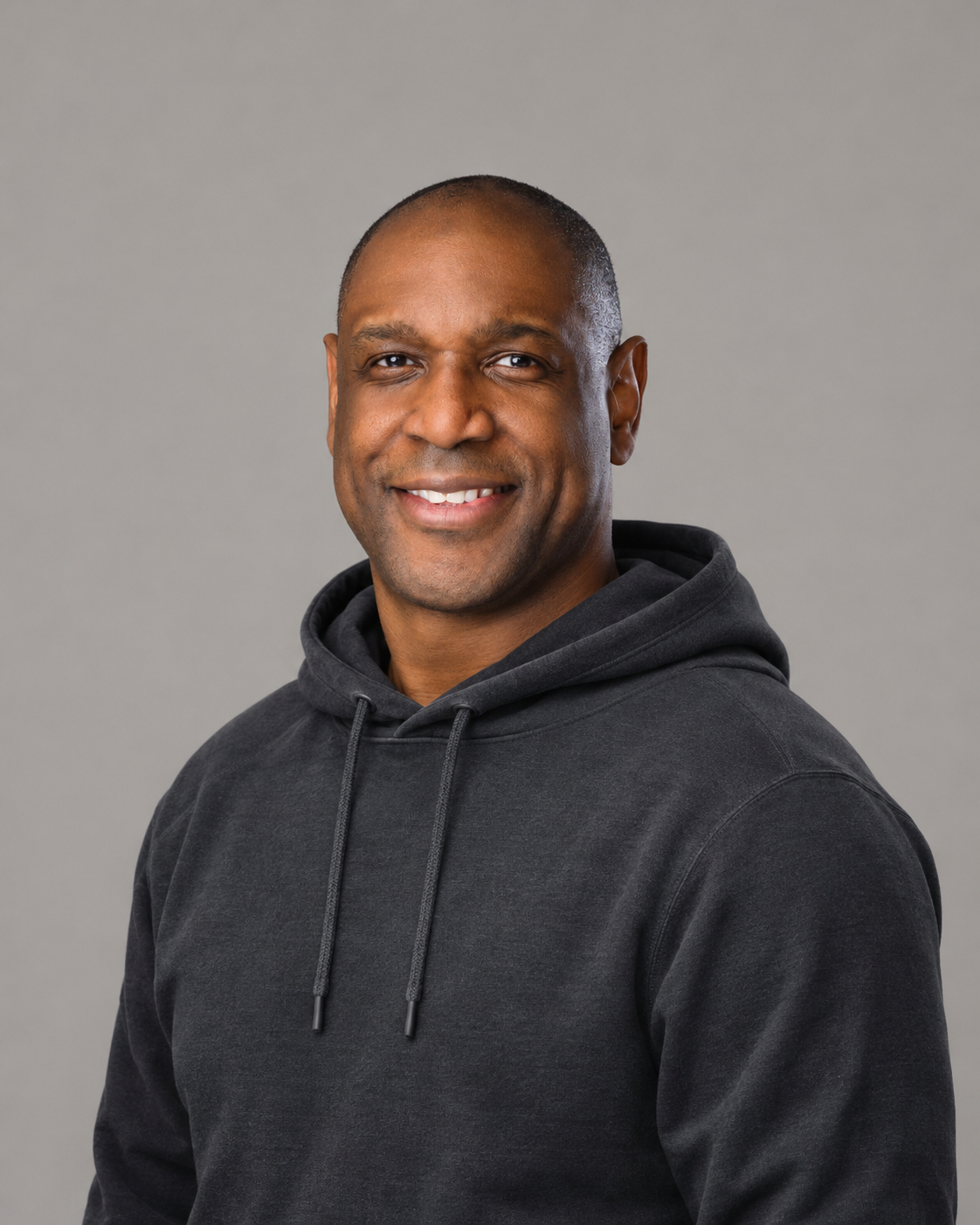
Patrick Vanderhorst is the founder of Nemexis, LLC and built ClipVe on his own. He's a lead software developer who has built software for Fortune 10 and Fortune 50 companies. He's based in Duluth, Georgia.
"A great moment on a stream is whatever the person watching says it is. ClipVe keeps the stream on your machine, so when the moment happens you clip it, crop it and post it before chat has moved on."
ClipVe 0.1.13 adds Auto Track in the clip editor's Enhance tab, a bigger Clip Text size and update notices.
ClipVe now clips TikTok LIVE alongside Twitch, Kick, YouTube and Rumble.
Now live on Mac and Windows for Twitch, Kick, YouTube and Rumble. Free to start, no account needed.
DULUTH, Ga., October 17, 2026. Nemexis, LLC today launched ClipVe, a desktop app for Mac and Windows built for clippers and streamers who need to catch a moment the second it happens.
Live moments don't wait. Platform clip tools are limited, and pulling clips out of a four-hour VOD after the stream ends means the moment is already old. ClipVe holds a rolling buffer of each stream on the user's computer, so the moment is still there after it happens.
What ClipVe does:
"A great moment on a stream is whatever the person watching says it is. ClipVe keeps the stream on your machine, so when the moment happens you clip it, crop it and post it before chat has moved on."
ClipVe is free to download at clipve.com with no account required. Founding members get ClipVe Pro for $5 a month or $49 a year, locked in for as long as they stay subscribed, or $149 once for Founder Lifetime. Founder pricing runs until Jan. 1, 2027, or until founder spots run out.
About Nemexis, LLC: Nemexis, LLC is an independent software company in Duluth, Georgia, founded by Patrick Vanderhorst. It builds fast, privacy-first desktop tools for creators.
Media contact: Patrick Vanderhorst, Nemexis, LLC, press@clipve.com, clipve.com
| Minimum | Recommended | |
|---|---|---|
| macOS | 13 Ventura | 14.2 Sonoma or later |
| Processor | Apple M1, or Intel Core i5 (2018 or later, 4 cores) | M1 Pro, M2 or later |
| RAM | 8 GB | 16 GB |
| Free disk | 2 GB SSD | 10 GB SSD |
| Internet | 15 Mbps | 50 Mbps |
One universal download for Apple Silicon and Intel.
| Minimum | Recommended | |
|---|---|---|
| Windows | Windows 10 22H2 64-bit | Windows 11 64-bit |
| Processor | Intel Core i5 8th gen or AMD Ryzen 5 2600 | Intel Core i5 12th gen or AMD Ryzen 5 5600 or later |
| Graphics | Any GPU with hardware H.264 encode and decode (Intel UHD 620, AMD Vega, NVIDIA GTX 900 series) | NVIDIA GTX 1650, AMD RX 5500, Intel Iris Xe or later |
| RAM | 8 GB | 16 GB |
| Free disk | 2 GB SSD | 10 GB SSD |
| Internet | 15 Mbps | 50 Mbps |
Minimum covers 1 or 2 streams. Recommended covers all 5 streams at 1080p60 with Voice Clip on. Microphone only needed for Voice Clip. ClipVe doesn't need Screen Recording permission on Mac.
Clip our good side.
Use the supplied artwork only. Do not stretch, recolor, rotate or add effects. Full rules are in the brand guidelines.














Special edition for ClipVe Founders
Type is Inter. Write the name as ClipVe: capital C, capital V, one word.
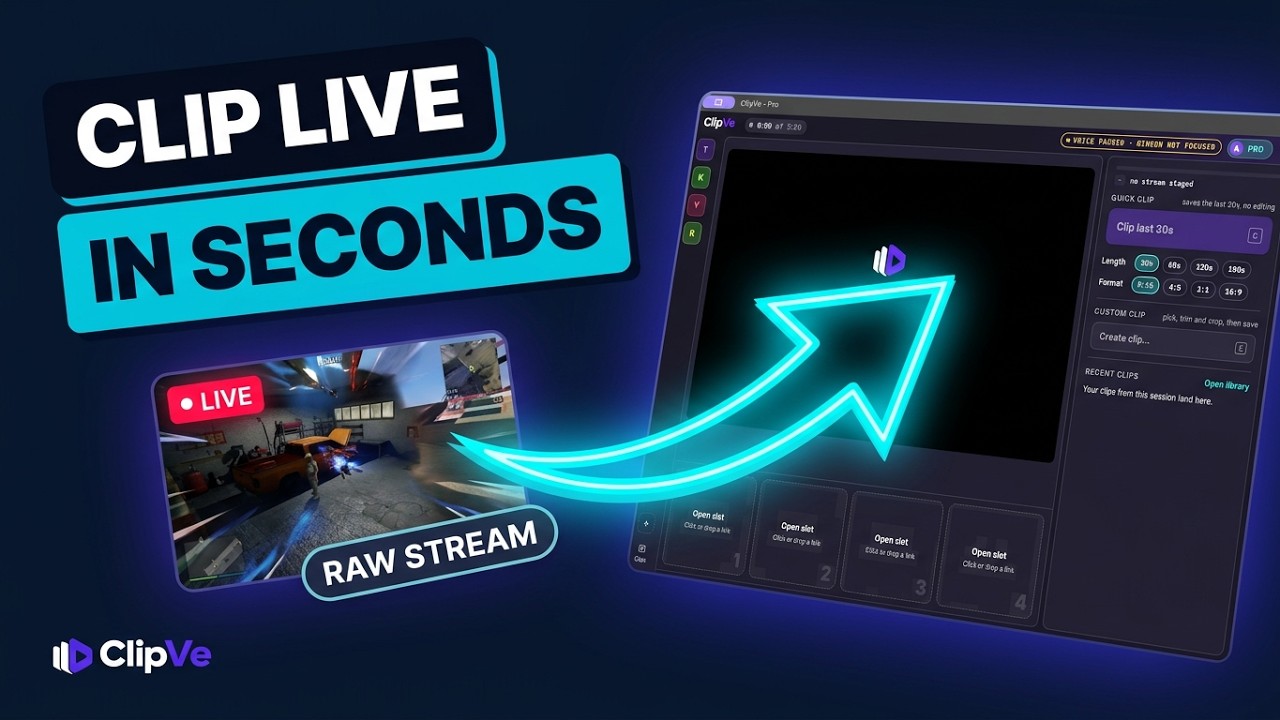
Never Miss a Stream Moment (How to Clip Instantly)ClipVe on YouTube